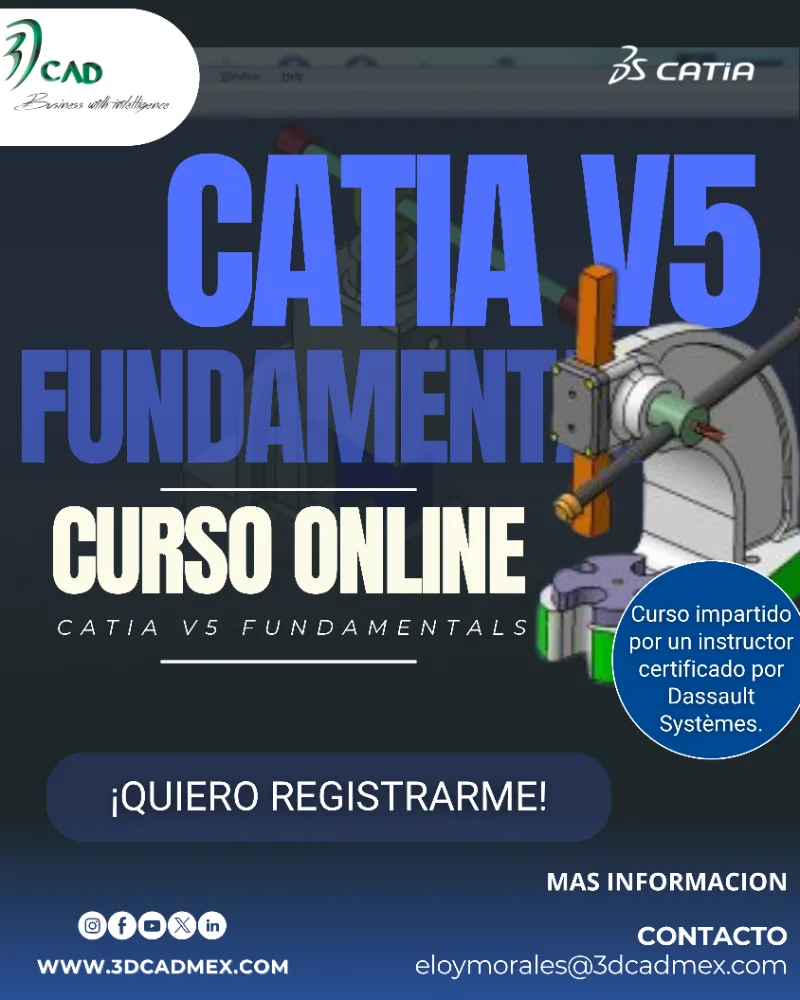
Acerca de este Programa
Objetivo del Programa
Plan de Estudios
01 Introduction to CATIA V5
expand_more
01
Introduction to CATIA V5 - Case Study: Introduction to CATIA
- Design Intent
- Stages in the Process
- Understand the CATIA Software
- Excersice: Indentify the Design Intent
- Open CATIA
- Understand the CATIA Interface
- Summary
- Excercise: Explore the CATIA User Interface
- Case Study: Introduction to CATIA
02 Profile Creation
expand_more
02
Profile Creation - Case Study: Profile Creation
- Design Intent
- Stages en the Process
- Create a New Part
- Select an Appropiate Sketch Support
- Create Sketched Geometry
- Excercise: Create Sketch Profiles (Detailed Instructions)
- Excercise: Create Multiple Sketch Profiles
- Constraint the Sketch
- Create the Pad Feature
- Save and Close the Document
- Summary
- Excercise: Define Sketch Constraints (Detailed Instructions)
- Excercise: Define Sketch Constraints (Advanced Practice)
- Case Study: Profile Creation
03 Basic Features
expand_more
03
Basic Features - Basic Features in Part Design
- Case Study: Basic Features
- Design Intent
- Stages in the Process
- Determine a Suitable Base Feature
- Create Pad and Pocket Features
- Create Holes
- Create Fillets and Chamfers
- Summary
- Excercise: Create Basic Features (Detailed Instructions)
- Excercise: Create Fillets (Detailed Instructions)
- Case Study: Create Basic Features
04 Additional Part Features
expand_more
04
Additional Part Features - Case Study: Additional Features
- Design Intent
- Stages in the Process
- Create Feature Profiles and Axis system
- Create Multi-profile Sketch Features
- Excercise: Create Multiple Profile Sketch Features
- Excercise: Analyze and Resolve the Sketch
- Create Basic Wireframe Geometry
- Create Shaft and Groove Features
- Excercise: Create Shaft and Groove Features
- Shell the Model
- Summary
- Excercise: Create Thin Pad and Shell Features
- Excercise: Create Pad, Fillet, Hole and Shell Features
- Excercise: Create Thin Pad, Shell and Holes
- Case Study: Create Additional Part Features
05 Dress-up Features
expand_more
05
Dress-up Features - Case Study: Dress-up Features
- Design Intent
- Stages in the Process
- Apply a draft
- Create a Stiffener
- Excercise: Create Stiffener and Draft
- Excercise: Create Draft Features
- Create Threads and Taps
- Excercise: Create Threads and Taps Features
- Edit Features
- Summary
- Excercise: Deactivate Features
- Excercise: Activate Features
- Excercise: Update Error Management
- Case Study: Dress-up Features
06 Reusing Data
expand_more
06
Reusing Data - Case Study: Reusing Data
- Design Intent
- Stages in the Process
- Duplicate Features
- Excercise: Create Patterns
- Excercise: Create User Patterns
- Excercise: Create and Modify Patterns
- Excercise: Create Circular Pattern
- Transform a Body
- Copy-Paste
- Insert Data from a Catalog
- Summary
- Excercise: Create Part Transformation Features
- Excercise: Modify the Patterns
- Excercise: Reuse Features
- Case Study: Reuse Data
07 Finalizing Design Intent
expand_more
07
Finalizing Design Intent - Case Study: Finalizing Design Intent
- Design Intent
- Stages in the Process
- Apply Material Properties
- Measute the Model
- Excercise: Apply the Material and Measure the Model
- Create Formulas and Parameters
- Summary
08 Assembly Design
expand_more
08
Assembly Design - Introduction to Assembly
- Terminology
- Case Study: Assembly Design
- Design Intent
- Stages in the Process
- Create a New Assembly
- Assemble the Base Component
- Manipulate the Position of the Component
- Excercise: Create a Basic Assembly
- Excercise: Reuse Components
- Excercise: Position the Component
- Assemble and Fully Constrain Components
- Save the Assembly
- Summary
- Excercise: Constraint Components
- Excercise: Create Constraints
- Excercise: Constraint the Degrees of Freedom
- Case Study: Constraint the Handle Mechanism Assembly
09 Desing in Context
expand_more
09
Desing in Context - Working in the Context of an Assembly
- Case Study: Designing in Context
- Design Intent
- Stages in the Process
- Open an Existing Assembly
- Excercise: Explore the Visualization and Design Modes
- Explore the Visualization and Design Modes
- Insert a New Model
- Create a Sketch in Contexk
- Create Assembly – Level Features
- Summary
- Excercise: Design in Context of an Assembly
- Excercise: Design in Context
- Case Study: Design in Context
10 Drafting
expand_more
10
Drafting - Case Study: Drafting
- Design Intent
- Stages in the Process
- Introduction to Generative Drafting
- Create a New Drawing
- Create Views
- Create Dimensions and Annotations
- Create Additional Views
- View Modifications
- Save the Drawing
- Print the Drawing
- Summary
- Excercise: Create a Drawing
- Excercise: Drawing Creation
- Case Study: Create a Drawing
11 Master Project – V5 Fundamentals
expand_more
11
Master Project – V5 Fundamentals - Master Project: Overview
- Recap: Overview
- Master Project: Part Creation
- Master Project: Finalize the Part
- Master Project: Create an Assembly
- Master Project: Edit a Part in an Assembly
- Master Project: Create an Assembly Drawing
lock
Plan de Estudios disponible
Regístrate gratis para ver y descargar el plan de estudios completo.
person_add Crear cuenta gratisRequisitos de Ingreso
Perfil de Egreso
Criterios de Evaluación
Inversión
Consultar
calendar_month
Inicio
Inscripciones Abiertas
timelapse
Duración
40 HRS
groups
Cupo
10 estudiantes
workspace_premium
Al finalizar
Diploma
lock
Regístrate para descargar el plan de estudios
Cupo limitado. ¡Reserva tu lugar!

Impartido por
DISEÑO, ANALISIS E INGENIERIA
reviewsReseñas del Curso
0 reseñasDebes iniciar sesión para dejar una reseña.
No hay reseñas todavía. ¡Sé el primero en calificar este curso!
Programas similares
Otros programas de Diseño e ingeniería que podrían interesarte
Diseño e ingeniería
Catia V5 3D Functional Tolerancing and Annotation
DISEÑO, ANALISIS E INGENIERIA
Online
desde A consultar
Diseño e ingeniería
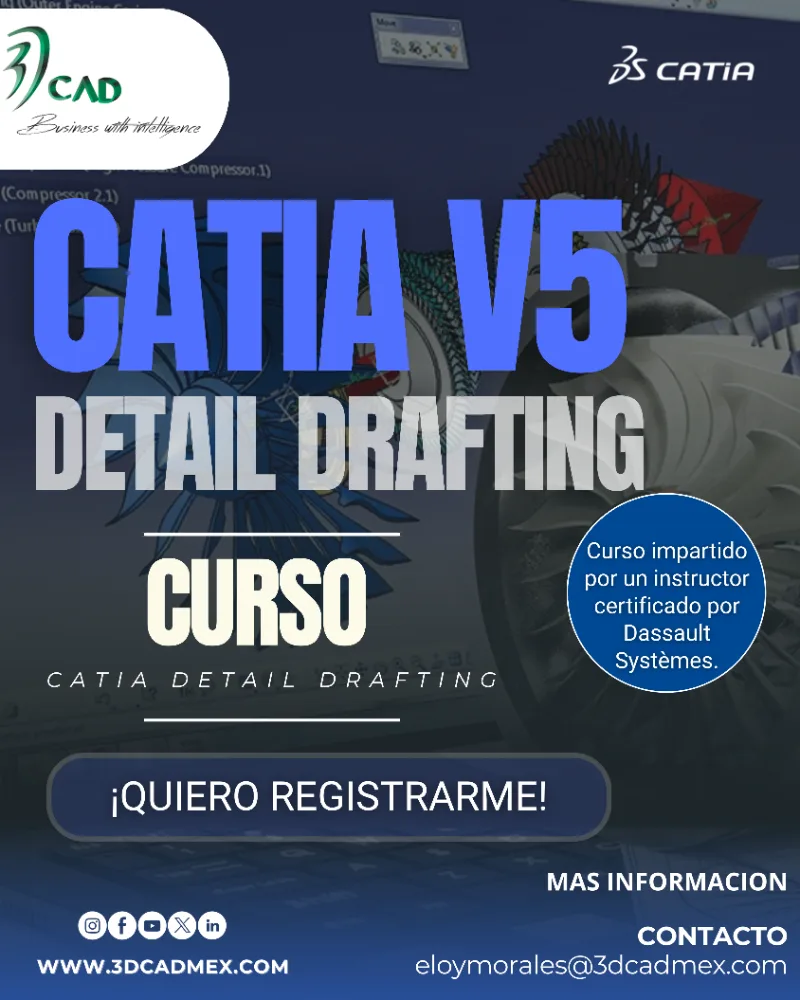
Catia V5 Detail Drafting
DISEÑO, ANALISIS E INGENIERIA
Online
desde A consultar
Diseño e ingeniería
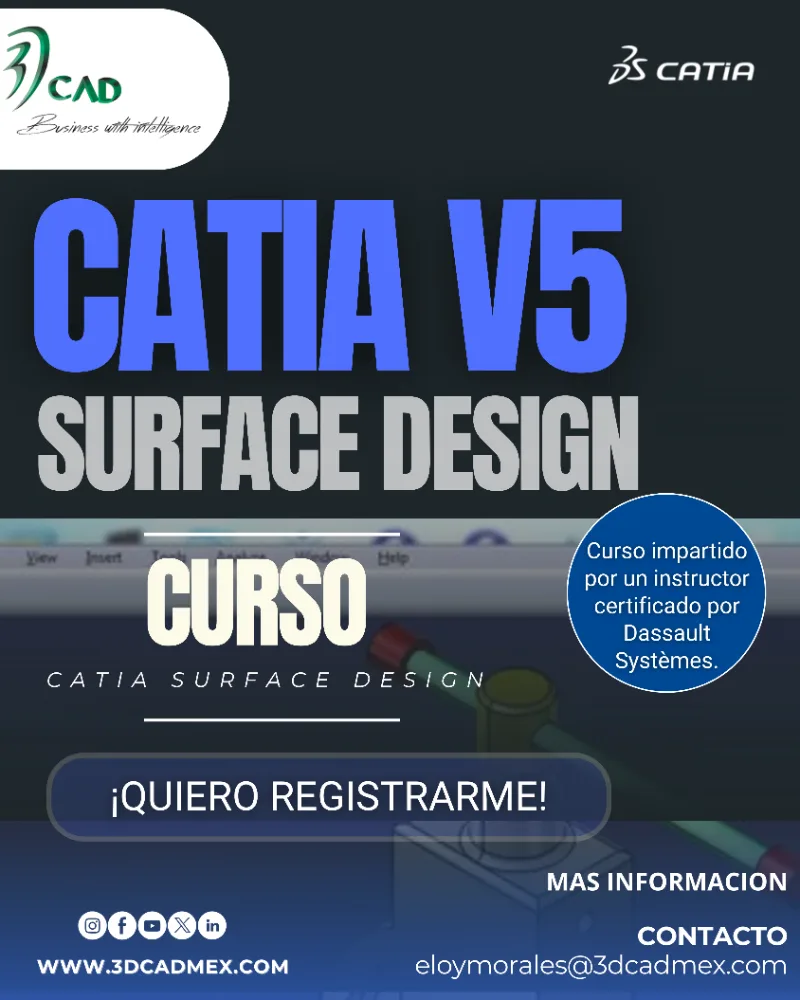
Catia Surface Design
DISEÑO, ANALISIS E INGENIERIA
Online
desde A consultar
Más de DISEÑO, ANALISIS E INGENIERIA
Otros programas ofrecidos por esta organización